

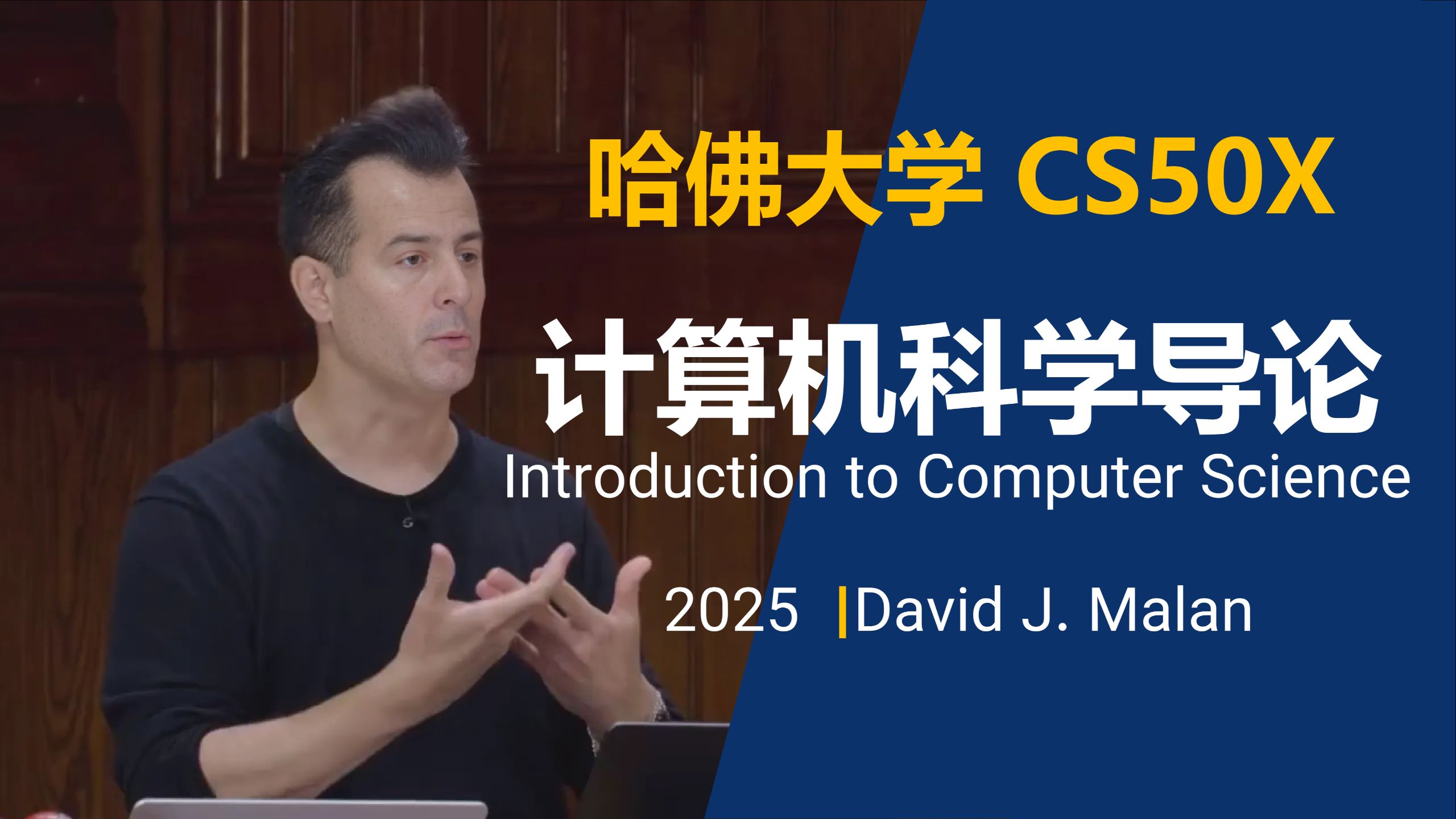
视频元信息
- 时长: 约 2 小时(本笔记部分时间戳为估计值,精确时间戳仅覆盖前 21 分钟)
本笔记中的
[~MM:SS]表示根据转录文本内容顺序估算的时间点;[MM:SS]为视频转录片段中提供的真实时间点。部分后期章节时间未在原始片段中提供,标注为约数。
TL;DR (100字以内)
本讲从 C 语言过渡到 Python,一种更高级的解释型语言。通过 hello world、拼写检查器和图像滤镜演示了 Python 的简洁性,然后涵盖了语法:函数、格式字符串、条件、循环、数据结构、异常、命令行参数和第三方库,强调掌握 C 语言后学习 Python 主要是一个模式识别的问题。
引言:为什么选择 Python? [01:18]
- 与 C 相比,Python 是一种更高级的语言。
- 在 C 中,你必须自己管理内存和许多底层细节;Python 为你处理了大部分这些工作,因此你可以专注于实际问题。
- Python 拥有更大的库生态系统(其他人编写的代码),你可以轻松使用。
- 真正的目标不仅仅是学习 Python,而是教会自己一门新语言——你在 C 中学到的基础知识将仍然有用。
理解:将 C 语言翻译成 Python 就是识别相似模式并填补空白,而不是从零开始。
Hello World 与解释型语言和编译型语言 [~01:38]
- C 语言的 hello world 需要包含头文件、
int main(void)、花括号、分号等。 - Python 的 hello world 只有一行:
print("hello, world") - 行末没有分号。
- 不需要
\n——print()默认会添加换行符。 - 函数名是
print,不是printf。
运行 Python 代码
- 文件扩展名是
.py而不是.c。 - 命令:
python hello.py—— 只需一步,没有单独的编译过程。 - Python 是一种解释型语言(按惯例);C 是编译型语言。
clang将源代码编译为机器码。- Python 解释器从上到下运行代码,并弄清楚每一行的作用,而不生成单独的机器码文件。
易错点: Python 历史上被称作“解释型”,但这是一种惯例,而不是语言的内在属性。在本课程中,你用
python file.py运行 Python 程序,而不是./file。
Python 的强大:拼写检查器和图像滤镜 [06:05]
用 Python 重写习题集 5
- C 语言的拼写器实现(
dictionary.c)花了很多小时/天来编写。 - Python 版本(
dictionary.py)仅用几行代码就实现了check、load、size、unload:words = set() def check(word): return word.lower() in words def load(dictionary): with open(dictionary) as file: words.update(file.read().splitlines()) return True def size(): return len(words) def unload(): return True - Python 为你管理内存,所以
unload只是返回True。
理解:这是一个“炫耀”,因为讲师有 C 语言的解决方案作为小抄,但它展示了 Python 对于同样的逻辑可以多么简洁。
图像模糊和边缘检测
- 使用 Python 图像库(PIL):
from PIL import Image, ImageFilter before = Image.open("bridge.bmp") after = before.filter(ImageFilter.BoxBlur(10)) after.save("out.bmp") - 边缘检测:
after = before.filter(ImageFilter.FIND_EDGES) - 仅用 4 行 Python 代码就实现了之前习题集 4 中费力的图像处理功能。
Python 特性概述 [13:45]
- Python 中有函数,就像 Scratch 和 C 中一样,但语法更简单。
print与printf:更容易记住,不需要%s占位符(可以使用格式字符串)。- 没有分号 —— Python 自己判断语句在哪里结束。
- 换行是
print()的默认行为;之后你可以更改。 - Python 中库被称为模块或包。
- CS50 库可以这样导入:
import cs50
# 或者
from cs50 import get_string
易错点: 忘记 f-string 中的
f前缀会导致字面花括号被打印出来,例如,print("{answer}")并不会替换变量值。
获取用户输入和格式字符串 [17:14]
- 获取名字并打印问候语的示例。
打印问候语的三种方式
-
使用
+拼接:answer = get_string("What's your name? ") print("hello, " + answer)+对字符串表示拼接。 -
给
print多个参数:print("hello,", answer)print默认在参数之间添加一个空格。 -
f-string(格式字符串) —— 现代最常见的方式:
字符串中的花括号会被变量的值替换。这称为变量插值。print(f"hello, {answer}") -
Python 也可以使用内置的
input()函数:answer = input("What's your name? ")
理解:f-string 就像改进版的
printf;不用%s,而是直接在字符串中写{variable}。
类型推断
- 在 Python 中,你不需要声明变量类型。
- 解释器根据上下文推断类型。如果你给
answer = input(...)赋值,它是字符串;如果你给counter = 0赋值,它变成 int。
易错点: 在 Python 中你可以稍后更改变量的类型(例如,将字符串转换为 int),但通过运算符隐式进行转换可能会导致意外结果(参见计算器示例)。
命名参数:sep 和 end [~22:00]
- Python 函数可以接受位置参数(顺序重要)和命名参数(name=value)。
- 官方 Python 文档位于
docs.python.org。 print函数有命名参数:sep—— 多个值之间的分隔符(默认是一个空格)。end—— 在最后一个值之后追加的字符串(默认是"\n")。
示例:
print("hello, world", end="!")
这会移除换行符,并打印 ! 代替。
易错点: 混合使用位置参数和命名参数时,位置参数必须在前,命名参数在后。
- 引号:在 Python 中,单引号和双引号可以互换使用。风格指南通常建议使用双引号以与 C 保持一致。
变量和数据类型 [~26:00]
- 创建变量:
counter = 0 # 没有 int 关键字,没有分号 - 递增:
counter = counter + 1 counter += 1 - Python 没有
counter++或counter--。 - Python 中的基本数据类型:
bool—— 大写True/False(不是true/false)floatint—— 任意精度(不会溢出)str(string 的缩写)- 没有
char类型 —— 单个字符就是长度为 1 的字符串。 - 没有单独的
double或long类型。
理解:Python 每个数字使用更多内存,所以程序员不用担心位宽。
数据结构概述 [~30:00]
- Python 内置了高级数据结构:
set—— 唯一值,类似于数学集合。dict(字典)—— 键/值对。tuple—— 不可变的短列表,例如(x, y)。list—— 自动增长/收缩(像链表,但不需要手动内存管理)。range—— 高效地生成一个数字范围。
计算器:input() 返回字符串和 int() 转换 [~32:00]
- 使用 CS50
get_int的基本计算器:from cs50 import get_int x = get_int("x: ") y = get_int("y: ") print(x + y) - 使用 Python 内置的
input():x = input("x: ") y = input("y: ") print(x + y) # 这会拼接字符串!例如,1 + 2 = 12
易错点:
input()总是返回一个字符串,所以+运算符会拼接。你必须使用int()转换:x = int(input(<span class="md-quote">"x: "</span>)) y = int(input(<span class="md-quote">"y: "</span>))
- 用于 Python 的 CS50 库提供
get_string、get_int、get_float,在输入无效时会重新提示(不像普通input)。 - 你可以一次性导入多个函数:
from cs50 import get_string, get_int, get_float
条件和缩进 [~38:00]
if语句:if x < y: print("x is less than y")- 条件末尾必须要有冒号
:。 - 缩进很重要:if 的主体必须缩进(惯例:4 个空格)。Python 不使用花括号。
易错点: 一致的缩进是强制性的。没有缩进,Python 会引发
IndentationError。风格上,4 个空格是标准。
if / else:if x < y: print("x is less than y") else: print("x is not less than y")-
else if写作elif(不是else if):if x < y: print("x is less than y") elif x > y: print("x is greater than y") else: print("x is equal to y") -
整数的比较与 C 语言相同。
- 在 Python 中,字符串的比较直接使用
==即可(不需要strcmp):s = input("s: ") t = input("t: ") if s == t: print("Same") else: print("Different")
理解:在 C 中,字符串是
char *,所以==比较的是内存地址;Python 将字符串视为一等对象,所以==比较实际值。
or 和 in 关键字
agree.py示例:s = input("Do you agree? ") if s == "Y" or s == "y": print("Agreed.") elif s == "N" or s == "n": print("Not agreed.")- 使用
in和列表更简洁:if s in ["Y", "y"]: ... elif s in ["N", "n"]: ... - 规范化(Canonicalization):先将输入转换为小写以处理多种变体:
s = input("Do you agree? ").lower()
if s in ["y", "yes"]:
    print("Agreed.")
elif s in ["n", "no"]:
    print("Not agreed.")
字符串比较和方法(面向对象编程) [~44:00]
- Python 字符串有内置的方法(附加在对象上的函数)。
- 示例:
s.lower()返回一个小写版本。 - 这是 Python 作为面向对象语言的结果。对象包含数据和关联的方法(不像 C 的结构体只包含数据)。
理解:在面向对象编程中,“方法”是绑定到数据类型的函数。你使用点号表示法调用它,例如
s.lower()。
- 允许方法链式调用:
s = input("Do you agree? ").lower()
复制字符串 [~50:00]
- 在 C 中,复制字符串需要
malloc、strcpy、空检查、free等。 - 在 Python 中,复制和转换字符串非常简单:
s = input("s: ")
t = s.capitalize()
print(f"s: {s}")
print(f"t: {t}")
循环:while、for、range [~52:00]
while 循环
i = 0
while i < 3:
    print("meow")
    i += 1
带列表的 for 循环
for i in [0, 1, 2]:
    print("meow")
带 range 的 for 循环
for _ in range(3):
    print("meow")
range(3)生成值0, 1, 2—— 高效,一次一个。- 下划线
_是一个约定俗成的变量名,用于你不关心值的时候。
无限循环
while True:
    print("meow")
- 使用 Ctrl+C 中断无限循环。
易错点:
Ctrl+C会导致KeyboardInterrupt错误消息,但这并不是你代码中的 bug;它就是中断本身。
定义函数
def meow(n):
    for _ in range(n):
        print("meow")
- 你必须在调用函数之前定义它(或者使用
main()函数并在底部调用它)。 - 常见模式:
def main():
    meow(3)


def meow(n):
    for _ in range(n):
        print("meow")


main()
if __name__ == "__main__": main()在实际的库代码中会使用,但本课程简化掉了。
易错点: 如果你定义了
main但忘记在底部调用main(),程序什么也不做。
数值边界情况:除法、浮点数精度、溢出 [~1:02:00]
除法
x / y返回浮点结果(例如,1/3 = 0.333...)。x // y给出整数(截断)除法,就像 C 的/。
浮点不精确
z = 1 / 3
print(f"{z:.50f}")
- 即使是 Python 也有有限的精度;你仍然会得到很长的重复小数(不是真正无限)。像
decimal这样的库可以提供帮助。
整数溢出
- Python 整数可以任意大——没有整数溢出。
理解:Python 在需要时自动分配更多位,所以你永远不必考虑 32 位与 64 位的限制。
异常和 try/except [~1:08:00]
int("cat")会引发 ValueError(一种异常),而不是返回一个哨兵值。- 异常比哨兵值更好,因为你不必牺牲一个有效值(例如,用
0来表示失败)。
处理异常
try:
    n = int(input("n: "))
except ValueError:
    print("Not an integer")
- 只包裹可能引发异常的那一行,而不是所有代码。
- 使用
try/except的else子句在未发生异常时运行代码:try: n = int(input("n: ")) except ValueError: print("Not an integer") else: print("Integer") - CS50 的
get_int使用带有try/except的循环,在输入有效之前不断重新提示。
Mario 示例:循环和字符串乘法 [~1:15:00]
竖直列
for _ in range(3):
    print("#")
使用 CS50 get_int 提示高度
from cs50 import get_int

while True:
    n = get_int("Height: ")
    if n > 0:
        break

for _ in range(n):
    print("#")
水平行
for _ in range(4):
    print("?", end="")
print()
字符串乘法
print("?" * 4)
嵌套循环(3×3 网格)
for i in range(3):
    for j in range(3):
        print("#", end="")
    print()
一行代码
print("#" * 3)
列表和字典 [~1:22:00]
列表
scores = [72, 73, 33]len(scores)给出长度。sum(scores)给出总和。scores.append(score)添加到末尾。scores += [score]也可以(列表拼接)。
示例:
scores = []
for _ in range(3):
    score = get_int("Score: ")
    scores.append(score)
average = sum(scores) / len(scores)
print(f"Average: {average}")
搜索列表
names = ["Ulya", "David", "John Harvard"]
name = input("Name: ")
if name in names:
    print("Found")
else:
    print("Not found")
理解:
in执行线性搜索,但实现细节对你隐藏。
字典
dict= 哈希表(键/值对),Python 内置。- 字典列表的示例:
people = [ {"name": "Ulya", "number": "+1-617-495-1000"}, {"name": "David", "number": "+1-617-495-1000"}, {"name": "John Harvard", "number": "+1-949-468-2750"} ] -
搜索:
for person in people: if person["name"] == name: print(f"Found: {person['number']}") break else: print("Not found") -
更好的方式:一个将名字映射到号码的字典:
people = {
    "Ulya": "+1-617-495-1000",
    "David": "+1-617-495-1000",
    "John Harvard": "+1-949-468-2750"
}
if name in people:
    print(f"Found: {people[name]}")
else:
    print("Not found")
CSV 文件输入/输出 [~1:35:00]
- Python 有内置的
csv模块,用于读写逗号分隔值文件。
使用 csv.writer 写入
import csv

file = open("phonebook.csv", "a")
name = input("Name: ")
number = input("Number: ")
writer = csv.writer(file)
writer.writerow([name, number])
file.close()
使用 with 自动关闭
with open("phonebook.csv", "a") as file:
    writer = csv.writer(file)
    writer.writerow([name, number])
使用 csv.DictWriter
with open("phonebook.csv",
生成时间:2026-09-10 17:16:22 生成平台:VideoNote www.xygy.top